Lazy Loading Images on HubSpot
Images are almost always the #1 reason for a slow website. Even if all of your images are optimized and sized correctly, they can still cause performance issues
My thoughts on web development and sometimes other things. You could also check out the Kelp Current for some of my other writings.
Images are almost always the #1 reason for a slow website. Even if all of your images are optimized and sized correctly, they can still cause performance issues
HubSpot makes it extremely difficult to export your blog posts in a usable form. It's built-in export tool only exports the page title and URLs. The website export tool exports all the static HTML files. Neither of these are useful when you need to import your data into a WordPress Database.
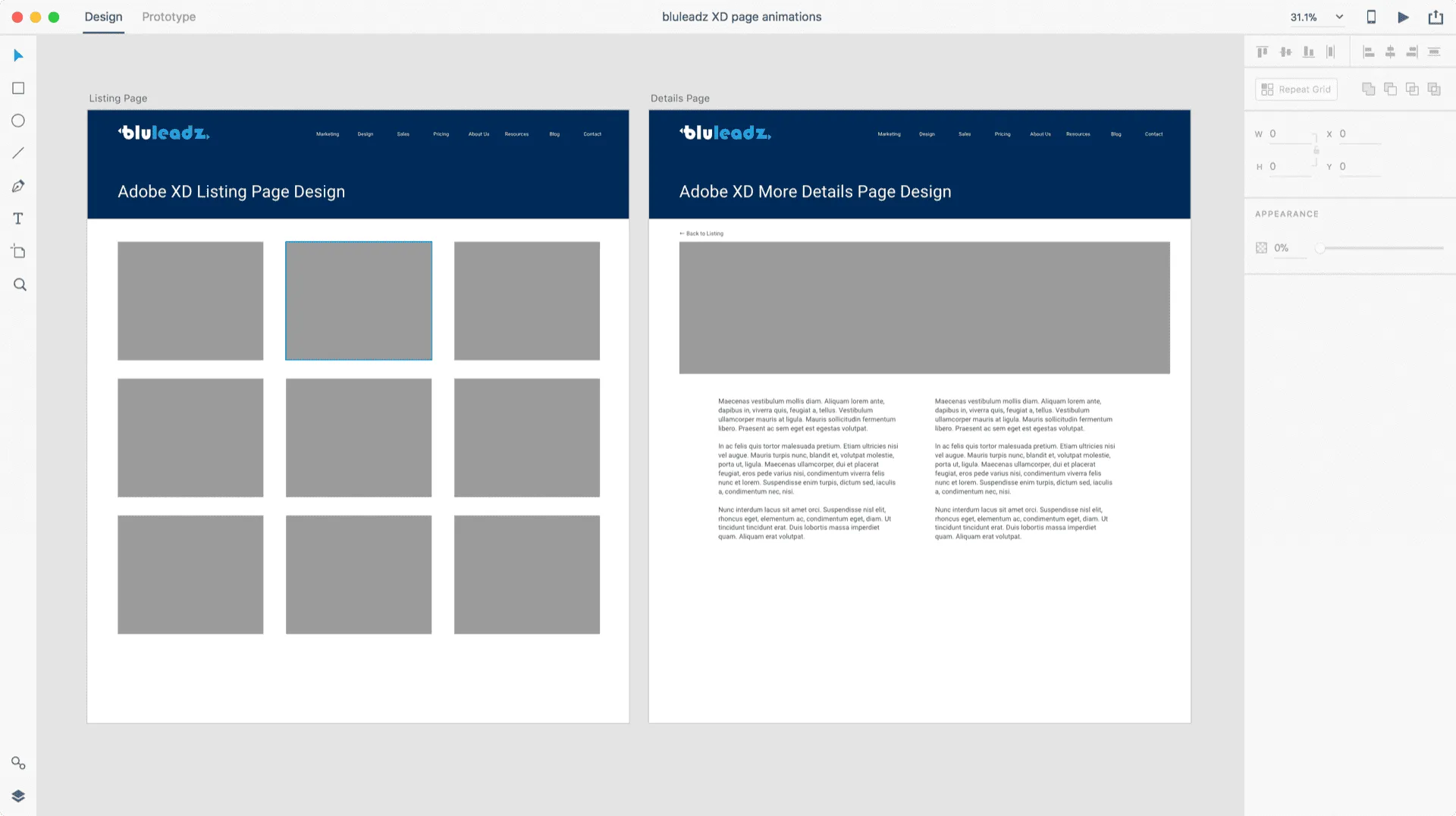
Designers creating new website mockups will generally use Photoshop then save those mockups as a JPG or PNG for the client to review. The problem with static images is they don't tell the whole story of what the website could be. Hover state, the way the page loads, or even the way the page transitions to a new viewβthese
One of the hardest parts of designing for the web is the lack of limitation. There is no artificial limit to the amount of space you have to work with, no limit to how something could be animated or function
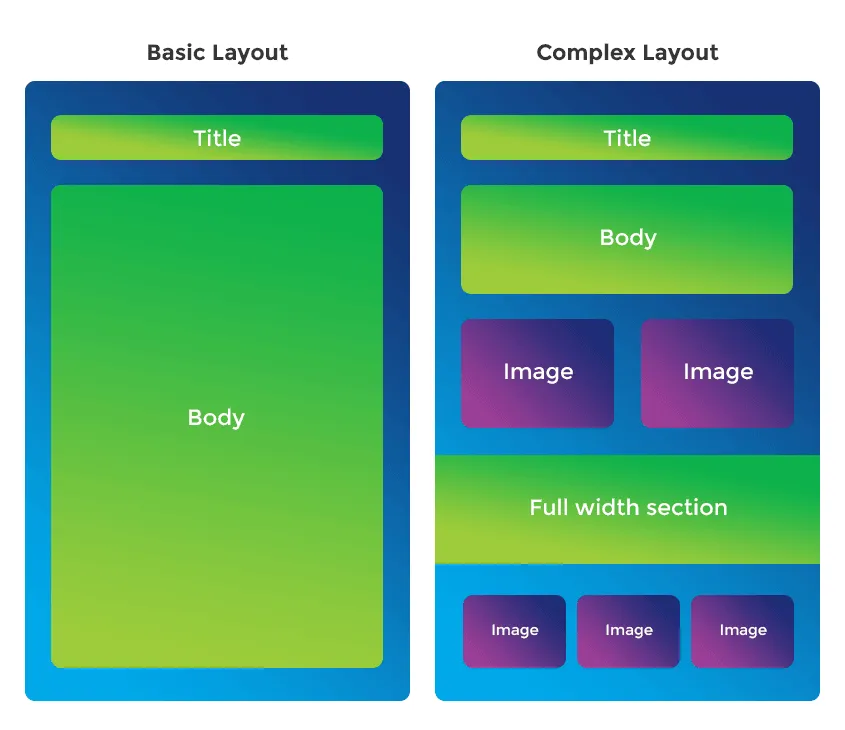
A common issue people run into when using WordPress is it's extremely basic page editor. The lack of ability to make complex pages, basically anything more than the typical 'title' and 'body' format, is restrictive.
Over the years of doing freelance work for local businesses and organizations, I've met quite a few people that are interested in 'coding'. Whether that means a specific programming language, responsive design, or just web design in general. They all had the same question... where do I start?
HubSpot is a powerful all-in-one marketing platform. However, if your company isn't taking advantage of all of the marketing tools it's platform offers and just want to cover your basics, you can save a whole lot of money by migrating to WordPress. Migrating a HubSpot COS hosted website to a self-hosted WordPress site consists of 4 basic steps.
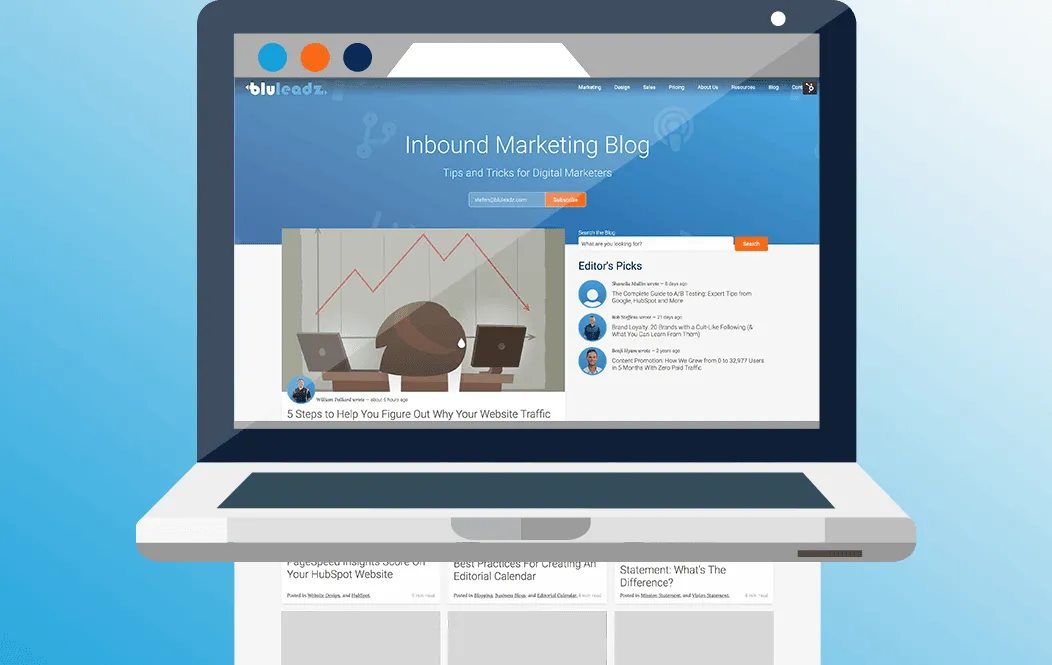
Have you ever wished your HubSpot blog had a search feature that didn't take you off your website βΒ _looking at you, google search module_Β ? β and that it would search only for blog posts? Here is how I recently accomplished this task
A quick and easy way to provide a nice search experience on your HubSpot website
I am a big fan of the way Instagram's mobile app and Medium's website load images. If you don't know what I'm talking about, it's when an extremely small image is scaled up, blurred out and is loaded before the full image... eventually fading into the full image once it has loaded.